CelMerge
A downloadable aseprite extension
CelMerge
Have you ever wanted to combine pixel information between multiple different frames in Aseprite? Now you can!
Every Flatten and merge operation you can do with frames, you can now do with frames
HOW TO USE
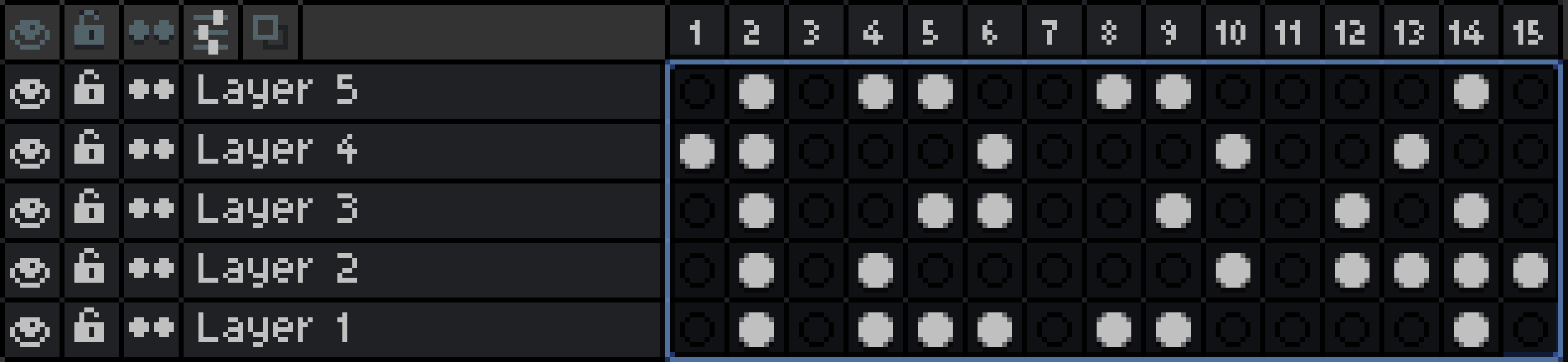
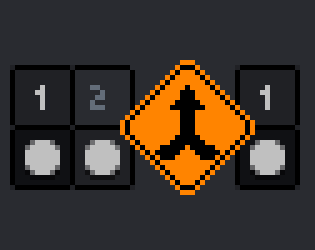
Once installed, whenever you make a layer selection, like this:
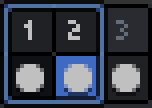 unified (1,2)
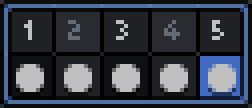 spaced (1,3,5)
You will find 4 new items in the selection right click menu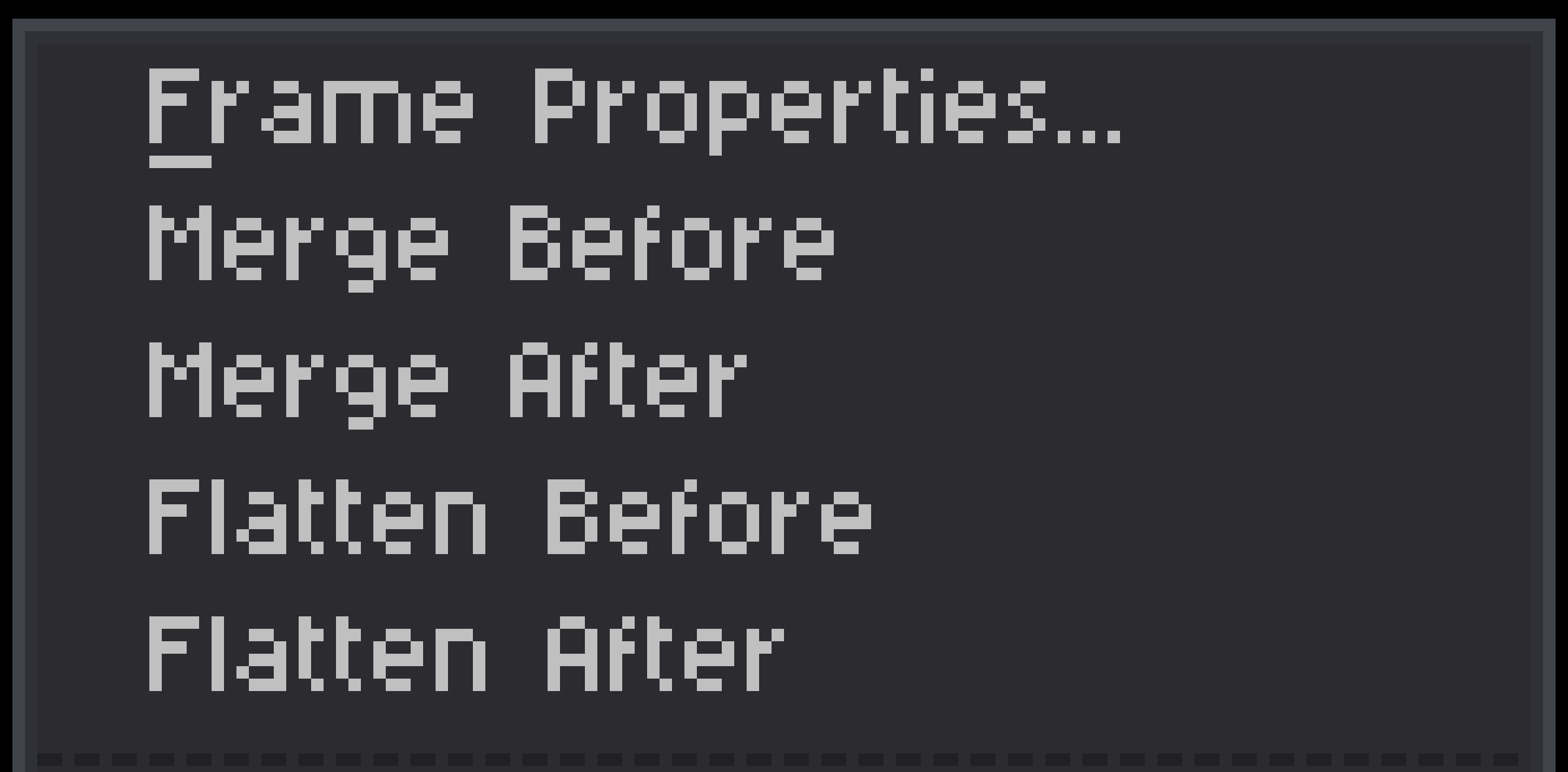
If you are familiar with Aseprite, you will recognize the Merge and Flatten operations from Layer selections. If you're not familiar with either, here's the short version:
Merge steps the current selection by exactly one frame in the chosen direction, and combines the cel data of whatever ends up overlapping as a result. It's a single nudge outward: the selected cels get stamped onto the one frame that sits immediately outside the selection, on top of whatever was already there. Nothing beyond that one destination frame is touched, and the selection's own frames are left empty afterward.
Flatten steps every cel in the selection all the way toward one edge, collapsing the whole range down onto a single frame, the selection's own leading or trailing edge, depending on direction. If you selected entire frame columns (every layer), the frames that got absorbed disappear from the timeline for good, the same way native Flatten makes the absorbed layers disappear.
So: Merge moves content one step sideways into a neighbor. Flatten pulls everything inward onto one spot inside the selection.
Stacking order
Whichever cel ends up closer to the surviving frame sits lower in the stack. Whichever cel started farther away ends up on top.
- For Merge, anything already sitting in the destination frame is the base layer — everything stepping in stacks above it.
- For Flatten, the anchor frame's own original content is just the "distance zero" member of the group, so the same rule folds it in naturally — no separate base layer needed.
- Before → the surviving frame is the earlier one (to the left).
- After → the surviving frame is the later one (to the right).
Download
Click download now to get access to the following files:
Leave a comment
Log in with itch.io to leave a comment.